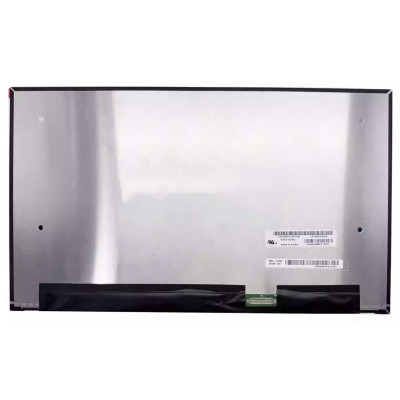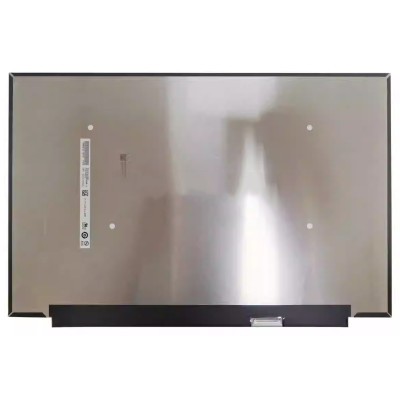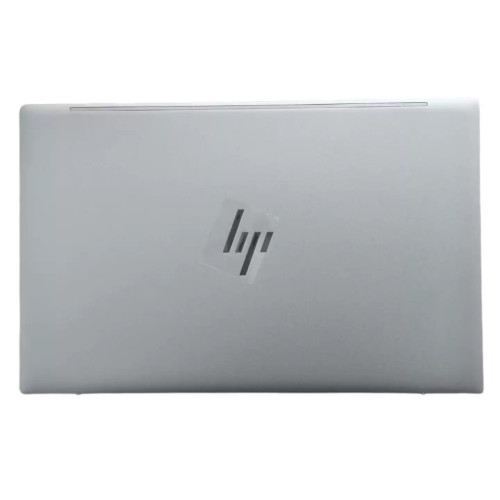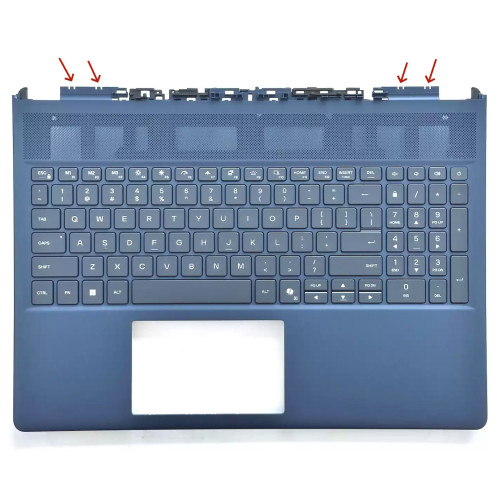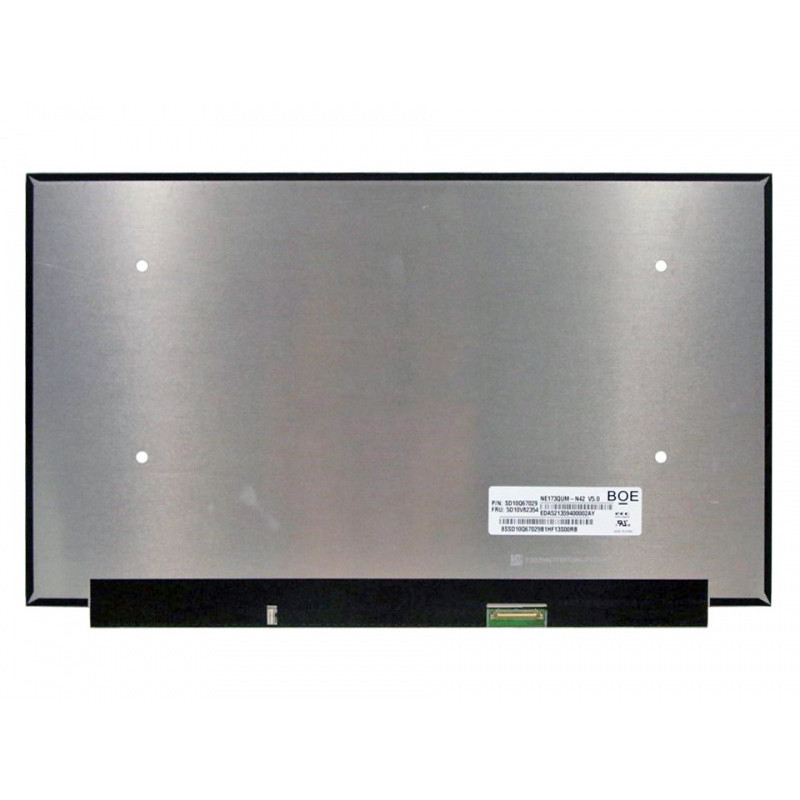
Complete specifications for reference:
EDID AUO309B
Lenovo 5M10Z54427
Acer KL.17305.019
HP L75362-001
lenovo 5D10V82354
HP L66926-3g1
HP L81486-441
HP L92496-001
Lenovo 5D11C95888
KL.17305.019
Lenovo P17 Gen 1 (type 20SN
20SQ) Laptop (ThinkPad) - Type 20SN
LENOVO P17 Gen 1 (type 20SN
20SQ) Laptop (ThinkPad) - Type 20SQ
Lenovo ThinkPad P17 Gen 1 20SN 20SQ
5VX31AV
OMEN BY HP 17T-CB000 LAPTOP PC 5VX36AV
OMEN BY HP 17T-CB000 LAPTOP PC 1B073AV
OMEN BY HP 17T-CB100 LAPTOP PC 1B074AV
OMEN BY HP 17T-CB100 LAPTOP PC 484Z7U8R
OMEN BY HP 17T-CB100 LAPTOP PC 8VW98AV
OMEN BY HP 17T-CB100 LAPTOP PC 8VW99AV
OMEN BY HP 17T-CB100 LAPTOP PC 8VX00AV
OMEN BY HP 17T-CB100 LAPTOP PC 8VX01AV
OMEN BY HP 17T-CB100 LAPTOP PC 8VX02AV
OMEN BY HP 17T-CB100 LAPTOP PC 34S38U8R
OMEN BY HP 17T-CB100 REFURB LAPTOP PC 4J7R3U8R
OMEN BY HP 17T-CB100 REFURB LAPTOP PC 9ZC74U8R
OMEN by HP Laptop 17-cb0xxx Refurb PC 9ZD33UWR
OMEN by HP Laptop 17-cb0xxx Refurb PC
HP OMEN by HP 17t-cb000 CTO
4J6E5U8R HP ENVY 17T-CG000 LAPTOP PC
8KG02AV HP ENVY 17T-CG000 LAPTOP PC
8KG03AV HP ENVY 17T-CG000 LAPTOP PC
8KG04AV HP ENVY 17T-CG000 LAPTOP PC
2R1V3UWR HP ENVY 17T-CG000 REFURB LAPTOP PC
2Z1N6U8R HP ENVY 17T-CG000 REFURB LAPTOP PC
342M4U8R HP ENVY 17T-CG000 REFURB LAPTOP PC
19S91AV HP ENVY 17T-CG100 LAPTOP PC
19S92AV HP ENVY 17T-CG100 LAPTOP PC
19S93AV HP ENVY 17T-CG100 LAPTOP PC
19S94AV HP ENVY 17T-CG100 LAPTOP PC
4B696U8R HP ENVY 17T-CG100 LAPTOP PC
406D3U8R HP ENVY 17T-CG100 REFURB LAPTOP PC
497S0U8R HP ENVY 17T-CG100 REFURB LAPTOP PC
497S2U8R HP ENVY 17T-CG100 REFURB LAPTOP PC
497S4U8R HP ENVY 17T-CG100 REFURB LAPTOP PC
580N4U8R HP ENVY 17T-CG100 REFURB LAPTOP PC
2N8S6UWR HP ENVY REFURB 17T-CG000 LAPTOP PC
38M45U8R HP ENVY REFURB 17T-CG000 LAPTOP PC
3E4T9U8R HP ENVY REFURB 17T-CG000 LAPTOP PC
494B7U8R HP ENVY REFURB 17T-CG100 LAPTOP PC
4B682U8R HP ENVY REFURB 17T-CG100 LAPTOP PC
51C76U8R HP ENVY REFURB 17T-CG100 LAPTOP PC
612G7U8R HP ENVY REFURB 17T-CG100 LAPTOP PC
50W64U8R HP REFURB ENVY 17T-CG100 LAPTOP PC
563N1U8R HP REFURB ENVY 17T-CG100 LAPTOP PC
Acer Notebook ConceptD CN517-71
Acer Notebook ConceptD CN517-71P
5VX31AV OMEN BY HP 17T-CB000 LAPTOP PC
5VX36AV OMEN BY HP 17T-CB000 LAPTOP PC
1B073AV OMEN BY HP 17T-CB100 LAPTOP PC
1B074AV OMEN BY HP 17T-CB100 LAPTOP PC
484Z7U8R OMEN BY HP 17T-CB100 LAPTOP PC
8VW98AV OMEN BY HP 17T-CB100 LAPTOP PC
8VW99AV OMEN BY HP 17T-CB100 LAPTOP PC
8VX00AV OMEN BY HP 17T-CB100 LAPTOP PC
8VX01AV OMEN BY HP 17T-CB100 LAPTOP PC
8VX02AV OMEN BY HP 17T-CB100 LAPTOP PC
ThinkPad P17 Gen - (20YU
20YV) Laptops - 20YU005UAU
ThinkPad P17 Gen - (20YU
20YV) Laptops - 20YUCTO1WW
ThinkPad P17 Gen - (20YU
20YV) Laptops - 20YUCTO1WWENAU1
ThinkPad P17 Gen - (20YU
20YV) Laptops - 20YUCTO1WWENAU2
ThinkPad P17 Gen - (20YU
20YV) Laptops - 20YUCTO1WWENAU3
ThinkPad P17 Gen - (20YU
20YV) Laptops - 20YVS04L00
ThinkPad P17 Gen - (20YU
20YV) Laptops - 20YVS0Q700
ThinkPad P17 Gen - (20YU
20YV) Laptops - 20YVS0R100
If you are upgrading to a higher resolution, we recommend checking your laptop's service manual or online forums for confirmed compatibility.
How to verify: Check the connector on your original screen – look for printed labels (e.g., "30P 0.4mm") or measure with a ruler. Compare with our product photos.
If you are unsure, send us a clear photo of your original screen's connector – we can match it for you.
We ship all screens in the grade stated on the product page. All screens are tested for functionality – no lines, no flickering, and backlight is working.
If you require a specific grade, please check the product description or contact us before ordering.
Our warranty covers manufacturing defects only – physical damage during installation is not covered.
Accessing the screen requires removing the bezel – some models also require removing the entire display assembly (lid) from the base to avoid damaging cables.
Critical: The cable must be inserted all the way – if it is not fully seated, you will get a partial display or no image. Do not force the cable; if it does not go in easily, check the orientation.
Always disconnect the battery before connecting or disconnecting the LCD cable to avoid short circuits.
Note: This is a delicate operation – proceed with caution. If you are not confident, consider using a professional repair service.
Common pitfalls to avoid:
Watch our installation video or consult your laptop's service manual for model‑specific details.
Critical precautions:
Troubleshooting – what if the screen does not work after installation?
If you have tried all the above and the problem persists: Contact our support with photos of the screen issue and your laptop model – we will help diagnose and arrange a replacement if necessary.