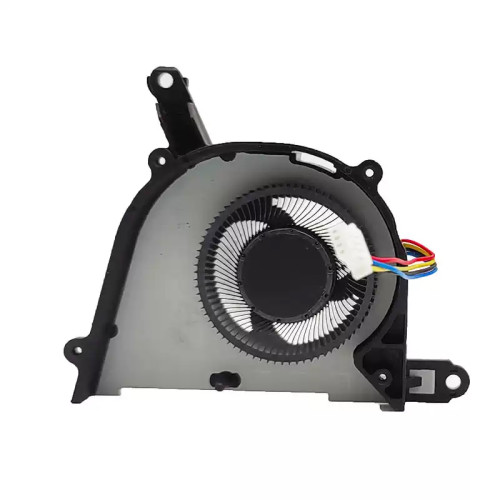
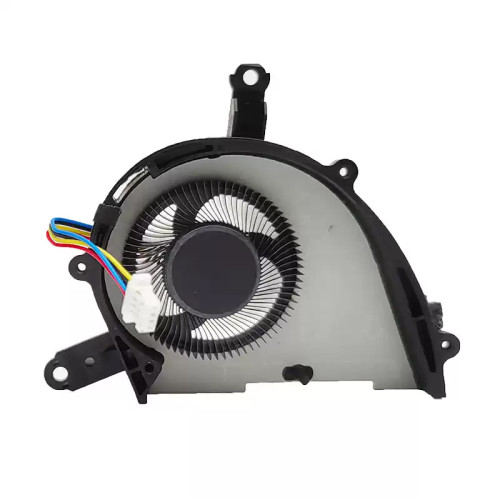
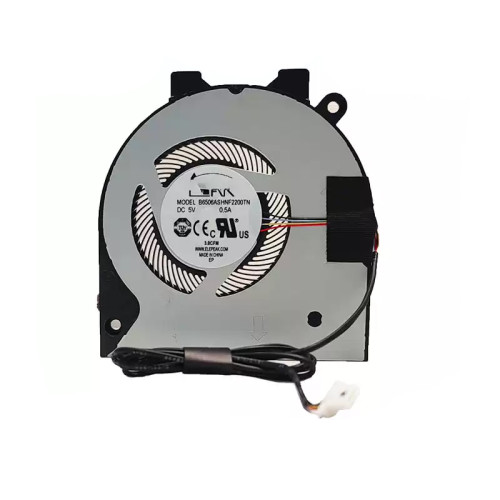
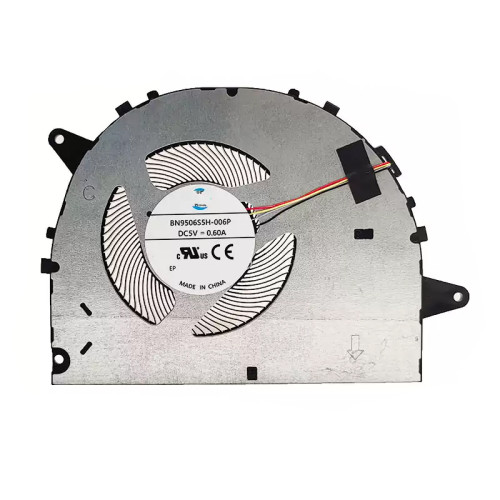
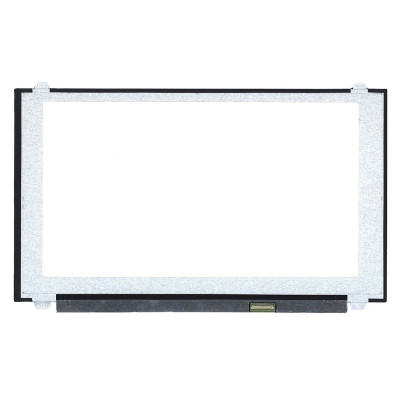
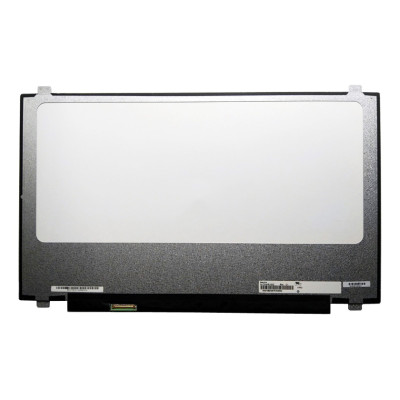
Complete specifications for reference:
Acer Nitro 5 AN515-41 Series
Acer Nitro 5 AN515-42 Series
Acer Nitro 5 AN515-51 Series
Acer Nitro 5 AN515-52 Series
Acer Nitro 5 AN515-53 Series
Asus ROG Strix GL503 Series
Asus ROG Strix GL503GE Series
Asus ROG Strix GL503V Series
Asus ROG Strix GL503VD Series
Asus ROG Strix GL503VM Series
Asus ROG Strix GL503VS Series
Asus TUF FX504 Series
Asus TUF FX504G Series
Asus TUF FX504GD Series
Asus TUF FX504GE Series
Asus TUF FX504GM Series
If you are upgrading to a higher resolution, we recommend checking your laptop's service manual or online forums for confirmed compatibility.
How to verify: Check the connector on your original screen – look for printed labels (e.g., "30P 0.4mm") or measure with a ruler. Compare with our product photos.
If you are unsure, send us a clear photo of your original screen's connector – we can match it for you.
We ship all screens in the grade stated on the product page. All screens are tested for functionality – no lines, no flickering, and backlight is working.
If you require a specific grade, please check the product description or contact us before ordering.
Our warranty covers manufacturing defects only – physical damage during installation is not covered.
Accessing the screen requires removing the bezel – some models also require removing the entire display assembly (lid) from the base to avoid damaging cables.
Critical: The cable must be inserted all the way – if it is not fully seated, you will get a partial display or no image. Do not force the cable; if it does not go in easily, check the orientation.
Always disconnect the battery before connecting or disconnecting the LCD cable to avoid short circuits.
Note: This is a delicate operation – proceed with caution. If you are not confident, consider using a professional repair service.
Common pitfalls to avoid:
Watch our installation video or consult your laptop's service manual for model‑specific details.
Critical precautions:
Troubleshooting – what if the screen does not work after installation?
If you have tried all the above and the problem persists: Contact our support with photos of the screen issue and your laptop model – we will help diagnose and arrange a replacement if necessary.