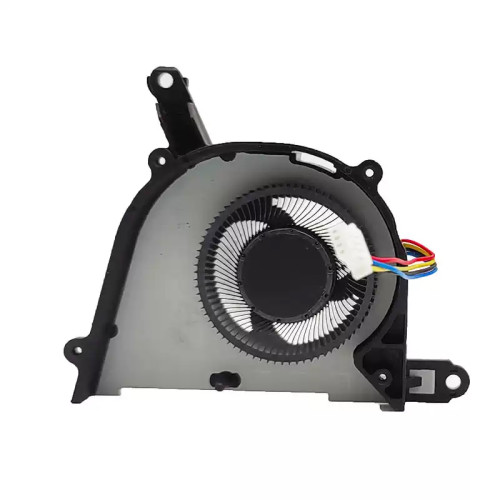
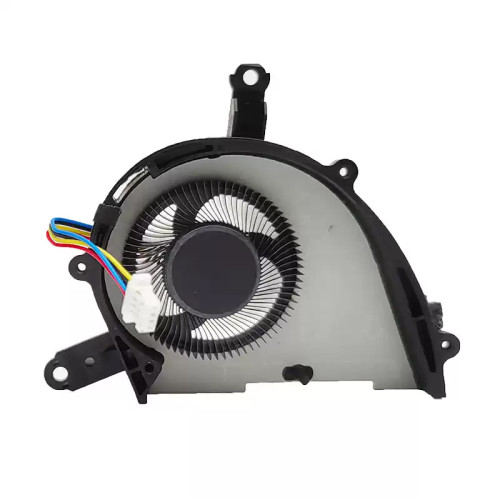
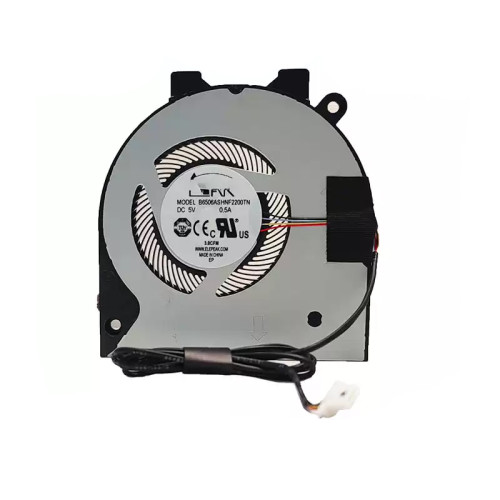
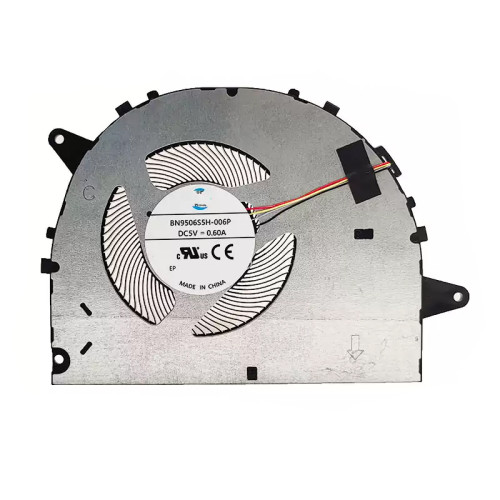
Complete specifications for reference:
DC02001Y910
DC02001Y810
50.MNSN2.002
50.ML9N2.005
DC02001Y800
Acer Aspire E5-511
E5-511G
E5-521
E5-551
E5-551G
E5-571
E5-571G
V3-572
V3-572G
Extensa 2500
2509
2510G
Travelmate P256
P256-M
P256-MG
EX2510G
How to verify your screen type: Check your laptop's specifications online, look at the original cable's connector – if it has more than 30 pins (for eDP) or extra separate wires, it is likely a touch cable. Also, check the Device Manager under "Human Interface Devices" – if a touchscreen is listed, your screen supports touch.
If unsure, contact our support with your laptop's full model number and the part number printed on your original cable.
How to check your original cable: Look for printed markings on the cable (e.g., "30P 0.5mm") or measure with a caliper if you have one. You can also count the pins on the connector carefully.
Important: The cable must match the part number of your original cable or be listed as a compatible alternative. Using an incompatible cable may result in:
Always refer to the cable's specifications and compare with your laptop's service manual.
Warning: The LCD cable is extremely fragile – avoid sharp bends (especially at 90° angles), and never pull on the cable itself; always hold the connector.
Access requirements:
The cable is often one of the first components to fail in laptops due to repeated hinge flexing – always inspect the old cable for visible wear at the hinge area.
Connection steps:
Do not force the connector – if it does not go in easily, check orientation and ensure no pins are bent.
Critical precautions:
Troubleshooting if the display does not work after installation:
Quick diagnostic tip: If you have access to an external monitor, connect it to the laptop. If the external display works correctly, the issue is likely the LCD cable or the panel itself. If external display also has issues, the graphics chip or motherboard may be the problem.
If the problem persists, contact our support with your laptop model and the exact part number of your original cable.