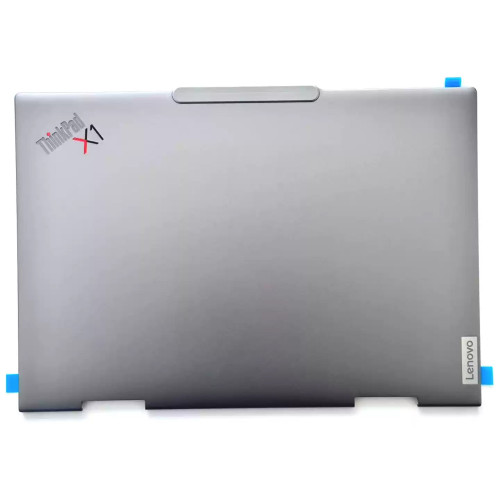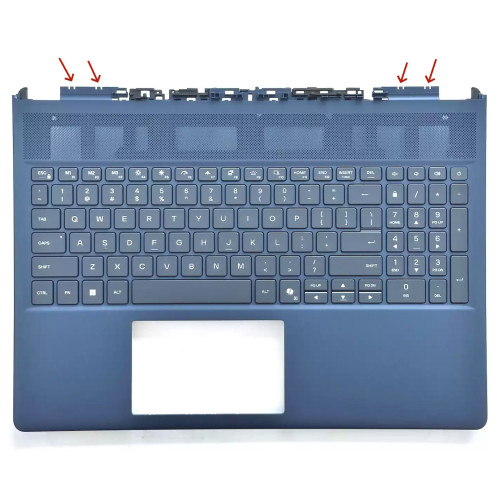

Actual internal layout for Lenovo ThinkPad T490 20RY0002US disassembly by pcpsare.com— helps you locate the part before replacement.

Actual internal layout for ThinkPad T490 disassembly by pcpsare.com— helps you locate the part before replacement.

Actual internal layout for ThinkPad T490s disassembly by pcpsare.com— helps you locate the part before replacement.

Actual internal layout for ThinkPad T495 disassembly by pcpsare.com— helps you locate the part before replacement.

Actual internal layout for ThinkPad T495s disassembly by pcpsare.com— helps you locate the part before replacement.
Ensure the connector matches your motherboard's audio header – typically a 2‑pin or 4‑pin connector (often ZIF for FFC or a small pitch wire‑to‑board type). The motherboard header is usually labelled SPK, J_SPK, or SPEAKER. Check polarity – wires are often colour‑coded (red/black or blue/red). Wattage should match the original to avoid distortion or damage.
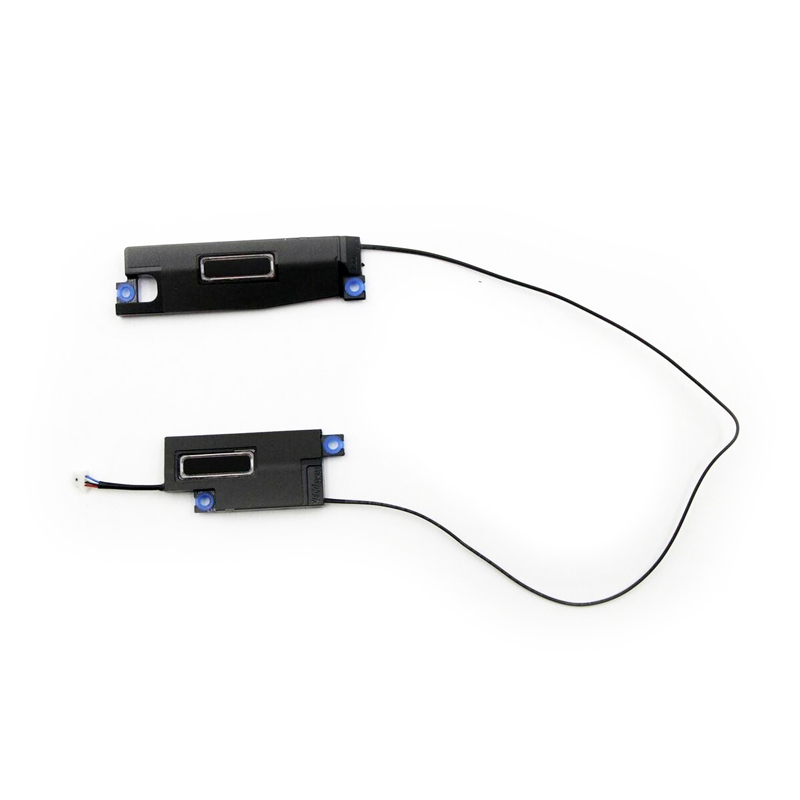
The speaker shape and mounting holes are designed for 01YN268. Check the physical dimensions and screw positions – they must align with your chassis. The speakers are typically mounted on the bottom cover (D‑cover) or the keyboard frame (C‑cover), near the front left/right edges or alongside the hinge. They sit in dedicated recessed cavities for proper resonance.
Note: The speaker cables are usually FFC (Flexible Flat Cable) or a wire harness with small connectors. Always handle them gently – avoid sharp bends or pulling on the wires themselves.
Each speaker sits in a dedicated recessed cavity that is shaped to match the speaker housing, ensuring proper acoustic resonance and secure fit. The cavities often have alignment pins or notches to prevent incorrect orientation.
Access to the speakers usually requires only removing the bottom cover, but on some models (especially those with C‑cover mounted speakers), you may need to remove the keyboard or the entire upper assembly.
Connection procedure:
Important: Never force the connector – if it doesn’t slide in easily, check orientation. Bent pins can permanently damage the motherboard header.
Critical precautions:
Troubleshooting if sound is not working or is distorted:
If the problem persists, consult your laptop’s service manual or contact our support team with your model details.