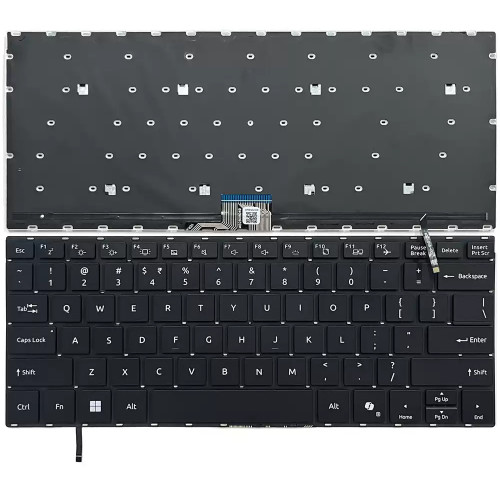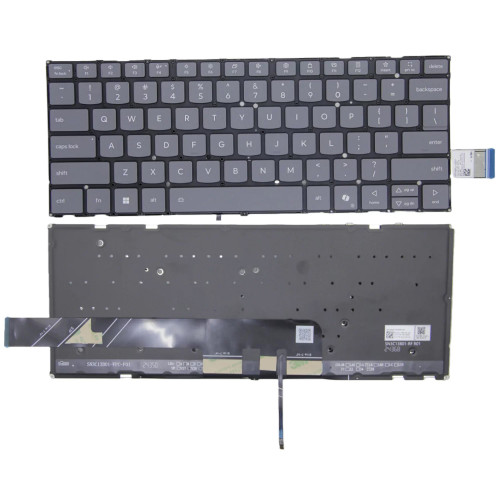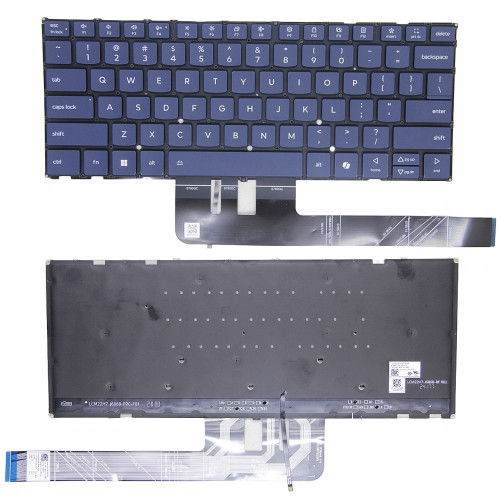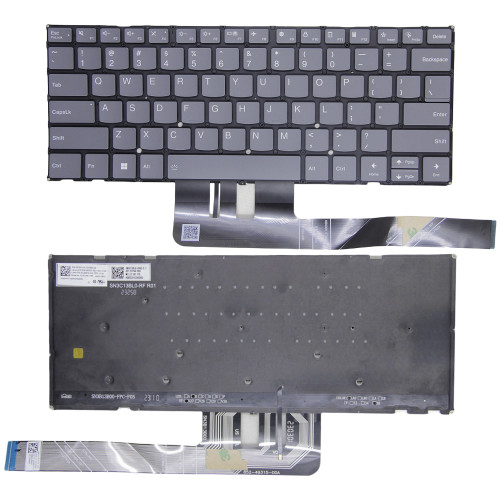
Watch official ASUS videos for installation, disassembly, and repair guidance.
Open ASUS Installation Guide File / Videos
Complete specifications for reference:
0A001-01120600
A20-200P1A
ADP-200JB K
0A001-00971100
Compatible with ASUS TUF Gaming A14 (2025 2024) FA401 FA401UV FA401UU FA401WU FA401WV FA401KM
Compatible with ASUS ROG Flow Z13 (2025) GZ302 GZ302EA GZ302EA-DS96 GZ302EA-XS96 GZ302EA-XS99 GZ302EA-R9641TB
Compatible with ASUS V16 (V3607). V3607VM V3607VU V3607VJ ADP-200JB K
Compatible with ASUS ROG Zephyrus G14 (2025 2024) GA403 GA403WP GA403WM GA403UP GA403WR GA403WW GA403UM GA403UI GA403UV GA403UU GA403UP-CS96 GA403WR-XS97 GA403WW-G14.R95080 GA403WR-G14.R95070TI GA403UV-QS103X GA403UV-QS102X GA403UV-QS093W GA403UV-QS020W GA403UV-G14.R94060 GA403UI-XS96 GA403UI-G14.R94070 GA403UI-QS101X GA403UI-QS100X GA403UU-QS079W GA403UU-QS051W GA403UU-R745OL6G-O GA403UU-QS095X GA403UU-QS094X
Compatible with ASUS ROG Zephyrus G16 (2024) GA605 GA605WV GA605WI GA605KM GA605KP GA605WV-XB96 GA605WV-G16.R94060 GA605WV-0072ESTRIX-12C GA605WV-0082HSTRIX-12C GA605WV-0093ESTRIX-12C GA605WV-0103HSTRIX-12C GA605WI-XB96 GA605WI-G16.R94070 GA605WI-0103HSTRIX-12C GA605WI-0093ESTRIX-12C GA605WI-0072HSTRIX-12C GA605WI-0082ESTRIX-12C ASUS ROG Zephyrus G16 (2025 2024) GU605 GU605CM GU605CP GU605MI GU605MU GU605MV GU605MU-QP096X GU605MU-QP095X GU605MU-QR094X GU605MU-QR093X GU605MV-QP176X GU605MV-QP175X GU605MV-QR174X GU605MV-QR173X GU605MI-QP196X GU605MI-QP195X GU605MI-QR194X GU605MI-QR193X GU605MI-G16.U94070 GU605CM-0052E285H GU605CM-0062H285H GU605CP-QR015X GU605CP-QR014X
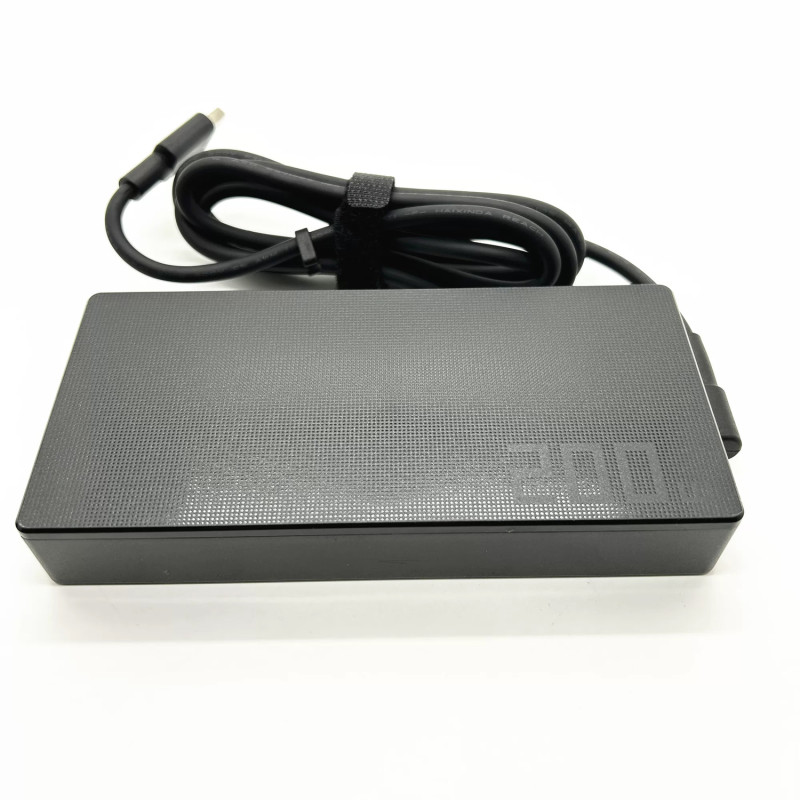
Asus Zephyrus G14 GA403UV-QS093W 200W AC power adapter 20V 10A Rectangle Conn – a high‑performance AC power adapter for laptops, ensuring stable and efficient charging.
Key specifications:
Compatibility: Guaranteed to work with . Always match the voltage – using a different voltage can damage your laptop.
Usage tip: Place the adapter on a hard, ventilated surface. Avoid bending the DC cord sharply.
Warranty & Support: All products come with a 7‑day return policy and free technical support. If you have any compatibility questions, contact our team at info@pcspare.com.
SKU: PCS-10030167 | Last updated: 2026-08-31
Wattage: 200W | Voltage/Current: 20V 10A | Connector: Rectangle Conn
These specifications must match your laptop's original adapter to ensure safe and stable power delivery. Using an adapter with incorrect voltage or current can damage your device or cause it to malfunction.
This adapter is designed for laptops that require 200W and use a Rectangle Conn connector. It is compatible with models listed in our product description. Please check the part number (ASUS 20V 10A 200W Rectangle Conn) against your original adapter – if they match or are listed as compatible, it will work.
Important: Even if the connector fits, the voltage must match exactly (e.g., 19V vs 20V). Using a different voltage can permanently damage the motherboard.
This adapter uses a Rectangle Conn connector. Common types include:
Always verify the polarity of your original adapter before connecting. If the polarity is reversed, the laptop will not power on, and the protection circuit may be triggered (or in worst case, damage the system board).
If none of the above works, the adapter may be incompatible or defective – contact our support for assistance.
Always use the original adapter or a certified replacement. An undersized adapter (lower wattage) may cause the laptop to throttle performance or fail to charge while under load. Over‑sized adapters (higher wattage) are generally safe, as the laptop draws only the current it needs – but voltage must still match exactly.